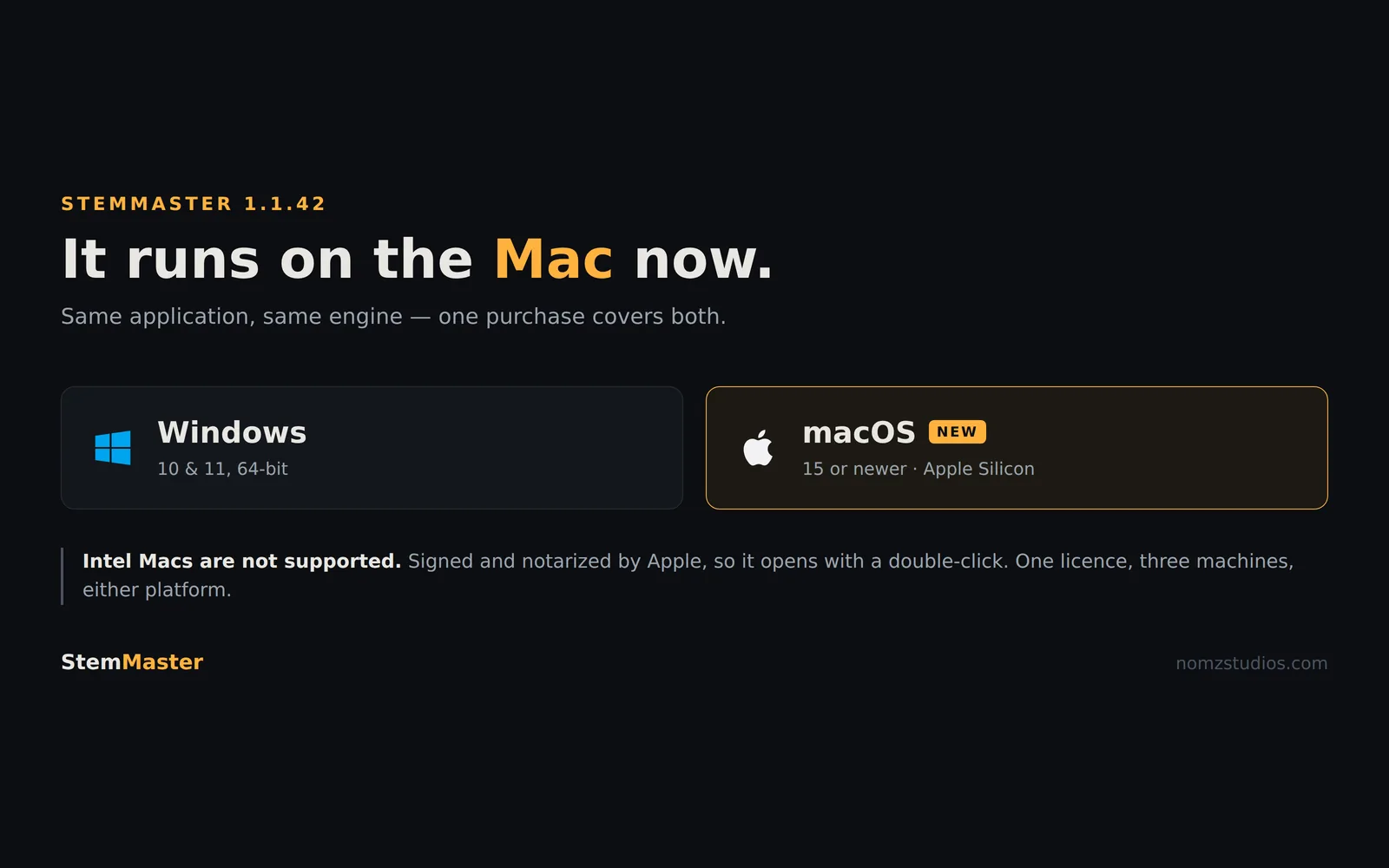
StemMaster mixes and masters from your multitrack on your own machine. Until today that machine had to run Windows. It no longer does.
StemMaster 1.1.42 adds macOS. Same application, same engine, same one-time price — and one purchase now covers both platforms.
What it needs, before anything else
This is the part to read twice, because it is the thing most likely to waste your money:
- macOS 15 or newer.
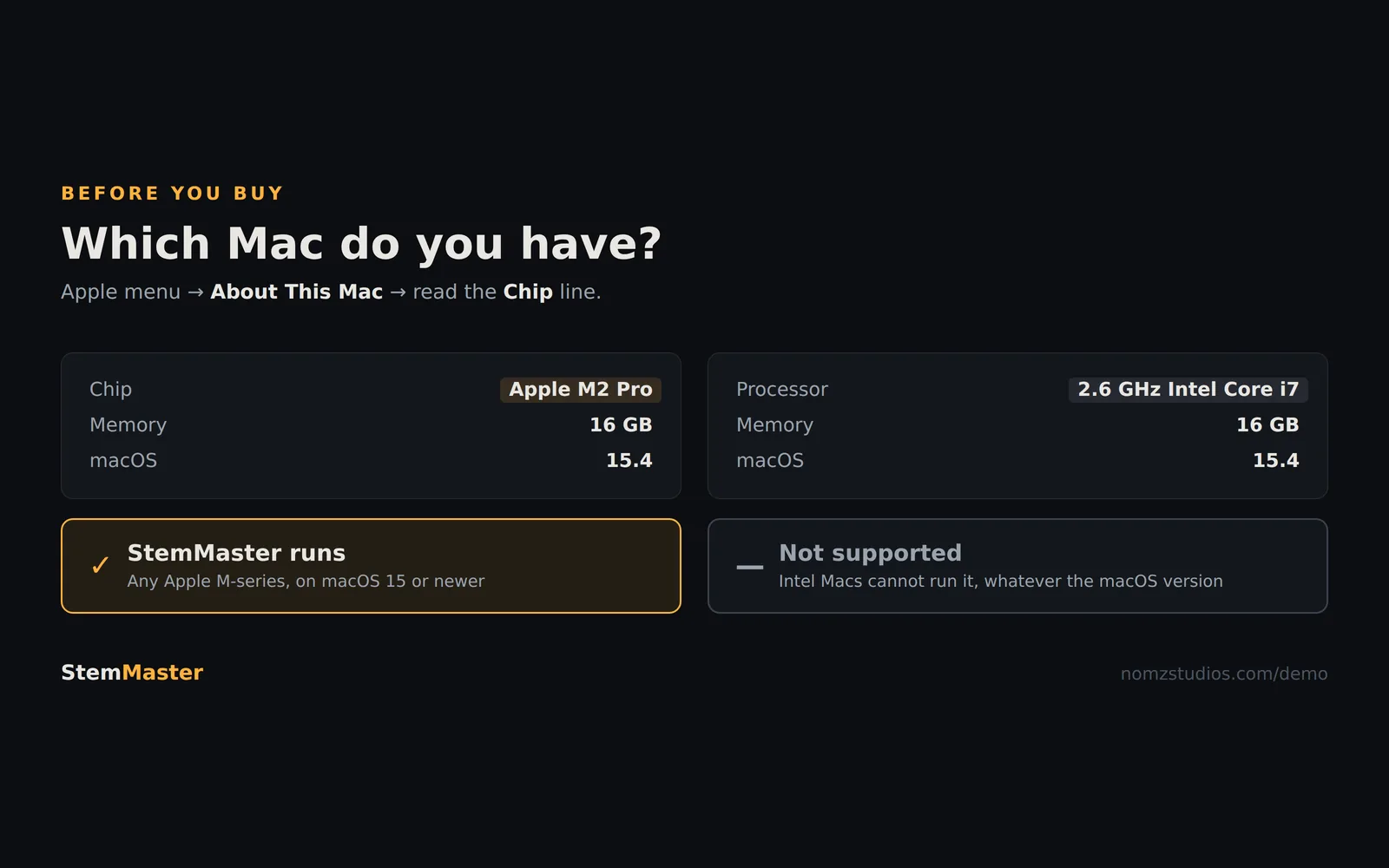
- Apple Silicon — M1 or later. Intel Macs are not supported.
If you are not sure which you have, open the Apple menu and choose About This Mac. If the Chip line names an Apple M-series processor, you are fine. If it says Intel, StemMaster will not run and you should not buy it — a cloud service is genuinely the better tool for you, and we would rather say so here than take the money and process a refund.
The Mac build is signed and notarized by Apple, so it opens with an ordinary double-click. No right-click-to-open, no trip through System Settings, no Gatekeeper argument.
Nothing about the Mac version is cut down
It is not a companion app or a preview. It is the same application Windows users have, doing the same work:
- It mixes before it masters. Levels, pans, per-stem width, and ducking applied where two stems actually collide rather than as a fixed EQ notch.
- It follows the arrangement. It finds verses, drops and breakdowns and treats them as different problems.
- It shows its working. Every decision appears with the measurement that produced it, in plain language, and you can overrule any of it.
- Loudness on target. −14 LUFS for streaming or −9 for club, with 4× oversampled true-peak limiting.
One licence, both platforms
A licence activates on three machines in total — not three per platform. A Windows desktop, a MacBook and one spare is exactly the case it was designed for, and you can deactivate and move an activation whenever you like.
If you already own StemMaster, the Mac build is waiting in your purchase portal. There is nothing further to pay.
Your audio still does not go anywhere
The built-in analysis engine is the default and runs offline — no account, no key, no connection. There is a second, optional AI engine you can switch on with your own API key; it receives the measurements only, never your audio, and it can be pointed at a model running locally on the same Mac, in which case nothing leaves the computer at all.
Try it before you buy it
The free demo is the complete application, not a feature-limited version. Load your own multitrack, let it mix and master, read every decision it made, and A/B it against your original. Exports are disabled and there is a short tag on mastered playback; nothing else is held back, and it needs no account and no email address.
Worth reading next: why getting your stems back matters, and where a cloud mastering service is the better choice — LANDR and eMastered both do stem mastering, and there are jobs they suit better than this.