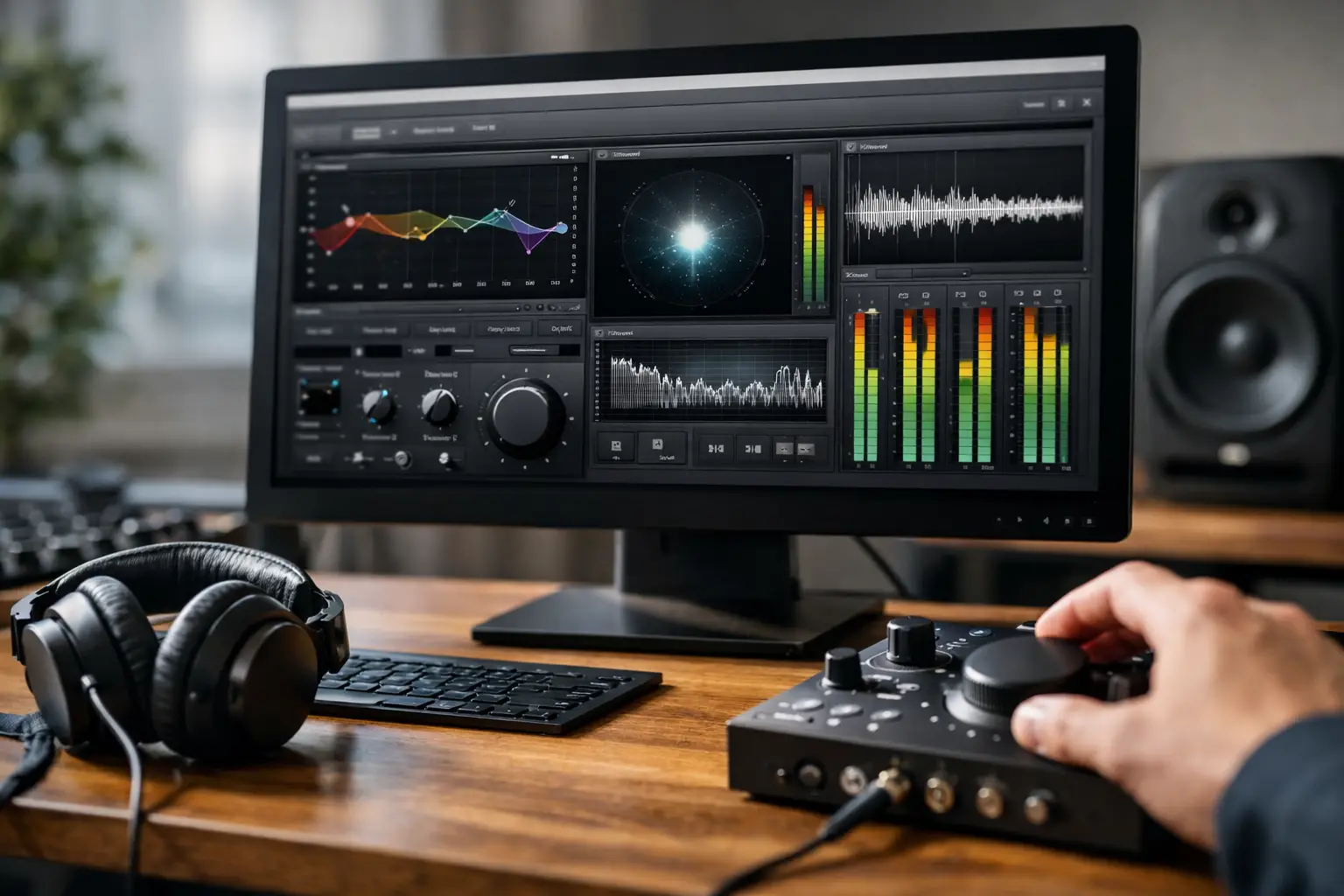
A monthly bill is not a mixing decision. Yet for a growing number of producers, the final stage of a record now comes with recurring charges, forced logins, upload queues, and an AI result that cannot explain what it changed. No subscription mastering software offers a different deal: pay for the tool, keep the tool, and keep the audio work on your own machine.
That matters most when your exported session is more than a stereo file. A vocal that needs a half-dB lift in the second chorus, a kick fighting the bass around 70 Hz, or bright hats crowding a lead vocal are mix problems. A generic online master can only react to the finished stereo mix. It cannot reach into the arrangement and make the targeted correction.
Why No Subscription Mastering Software Is Different
Subscription software is not automatically bad software. For a facility that needs frequent collaboration, cloud storage, or a constantly expanding suite of tools, recurring access can make sense. But a producer finishing independent releases has a more practical question: do I need to rent the final stage of my workflow forever?
With locally installed software, the answer can be no. The application runs on your Windows system, processes your files locally, and remains available without a payment checkpoint every month. There is no mandatory account standing between you and your session, no telemetry required to prove you are using it, and no upload of unreleased music to a third-party server.
Ownership also changes how you evaluate value. A one-time license is not just cheaper after enough months. It gives you a stable finishing tool you can learn deeply. You can build repeatable export habits, compare revisions consistently, and open an older project without wondering whether the service tier, pricing, or feature set changed underneath you.
Stereo Mastering Has a Hard Ceiling
Stereo-file mastering remains useful when the mix is already settled. A skilled mastering chain can improve tonal balance, manage peaks, increase perceived loudness, and prepare a track for distribution. But it receives one combined signal. If the lead vocal and overheads occupy the same upper-midrange space, a stereo EQ move affects both. If the bass is too dominant only in the bridge, broadband compression may pull down the entire record.
Stem-aware processing starts earlier in the signal path. Instead of treating the song as a single locked image, it can evaluate drums, bass, vocals, instruments, effects, and other musical roles separately. That creates room for decisions a stereo-only system cannot make: vocal rides that follow sections, spectral unmasking between competing stems, stem-aware EQ and compression, and targeted spatial processing where it serves the arrangement.
The point is not to automate every creative choice into sameness. The point is to remove predictable technical friction before it becomes a limiter problem. If the low end is unstable, fold mono bass below 120 Hz where appropriate. If the vocal loses intelligibility when the guitars enter, make a restrained masking adjustment instead of brightening the whole master. If a transient-heavy drum stem is driving the limiter too hard, control it at the source rather than flattening the entire mix bus.
Those are engineering decisions with audible consequences. They should be visible, testable, and reversible.
Automation Should Show Its Work
Opaque AI asks you to trust a result. Engineer-minded automation should give you evidence.
A useful system identifies likely roles, balances stems, applies processing, and then lets you inspect the rationale in plain English. You should be able to see faders move, read Engine Notes that explain why a correction was made, and compare the processed result with the original at matched loudness. Without loudness matching, the louder version often wins by reflex, even when it has less punch, less depth, or harsher high frequencies.
The ability to override matters just as much. Automation can recognize patterns across a session, but it does not know that your whispered pre-chorus vocal is meant to sit behind the beat or that a distorted bass is intentionally aggressive. A good workflow lets the system handle the repetitive analysis, then leaves the artist or engineer in charge of the aesthetic call.
This is where StemMaster takes a more accountable approach than a cloud service wearing one as a costume. It works from multitrack stems on a Windows desktop, supports WAV, FLAC, and MP3 input, and produces WAV, FLAC, or MP3 exports while keeping processing local. Its decisions are available to inspect, audition, and adjust rather than hidden behind a single button marked “enhance.”
A Practical Stem-to-Master Workflow
Start with clean exports from your DAW. Export each relevant stem from the same start point, with the same sample rate and without normalizing them independently. Leave reasonable headroom on the mix bus. You do not need to make the session quiet for its own sake, but clipped stem exports give any processing system less useful information to work with.
Load the session and verify the role assignments. A four-stem beat may be straightforward: drums, bass, music, vocal. A 30-stem production demands a closer look. Confirm that a lead vocal has not been grouped with an effect return, that low-frequency instruments are identified correctly, and that intentional creative layers remain where you expect them. Automation is faster when the input is organized, not when it is asked to guess around preventable confusion.
Then let the processing pass establish a technical baseline. Listen for the practical outcomes first: is the vocal intelligible without becoming detached from the track? Does the kick retain impact after the master reaches its target level? Is the low end centered and controlled? Does the stereo field feel wider only where the arrangement has room for width?
Next, use matched A/B comparison. Keep the original and processed versions within a tenth of a dB when judging tonal balance, compression, and stereo changes. Listen through the loudest chorus, the sparsest section, and the final fade or outro. Those three moments reveal different failures. Dense sections expose masking, sparse sections expose over-processing, and endings often reveal raised ambience, pumping, or a limiter releasing unnaturally.
Finally, make only the overrides the song needs. Raise a lead vocal if the lyric is still masked. Back off an aggressive high-frequency move if cymbals have lost their natural texture. Revisit a bass decision if the translation on smaller speakers becomes too thin. The goal is not to prove the automatic pass wrong. It is to use it as a fast, informed first engineer pass and finish with your judgment intact.
What to Look For Before You Buy
“No subscription” should not mean stripped-down processing or an abandoned utility. Check whether the license is truly perpetual, how many machines it can be activated on, and whether updates are included within the current major version. Also check the workflow boundaries. If you work with stems, a stereo-only service may be inexpensive but still solve the wrong problem.
Look for technical details that connect to musical results. A 4× oversampled true-peak limiter is not a magic badge, but it can reduce the chance of intersample overs when pushing level for modern delivery. Section-specific automation is useful because a chorus and a verse rarely need the same vocal treatment. Spectral masking control is useful because clarity often comes from making space, not simply adding brightness.
Privacy deserves the same scrutiny. Unreleased tracks can contain client material, samples awaiting clearance, and songs that simply are not ready to leave the room. Local processing removes an unnecessary transfer step. It also removes the uncertainty of whether a remote service is available when a deadline lands at midnight.
The Better Question Is Control
The best no subscription mastering software is not the one that promises to replace your ears. It is the one that gets a complex stem session toward a release-ready master quickly, explains its moves, and gives you a direct path to challenge any of them.
When the final chorus needs one more vocal lift or the low end needs less spread, you should not have to wait for a server, renew a plan, or accept a black-box answer. Your music should stay on your machine, and the final decision should stay with you.